

Importing Data
You can import data into your Upstash Redis database from two sources: an existing backup or an RDB file.Start an Import
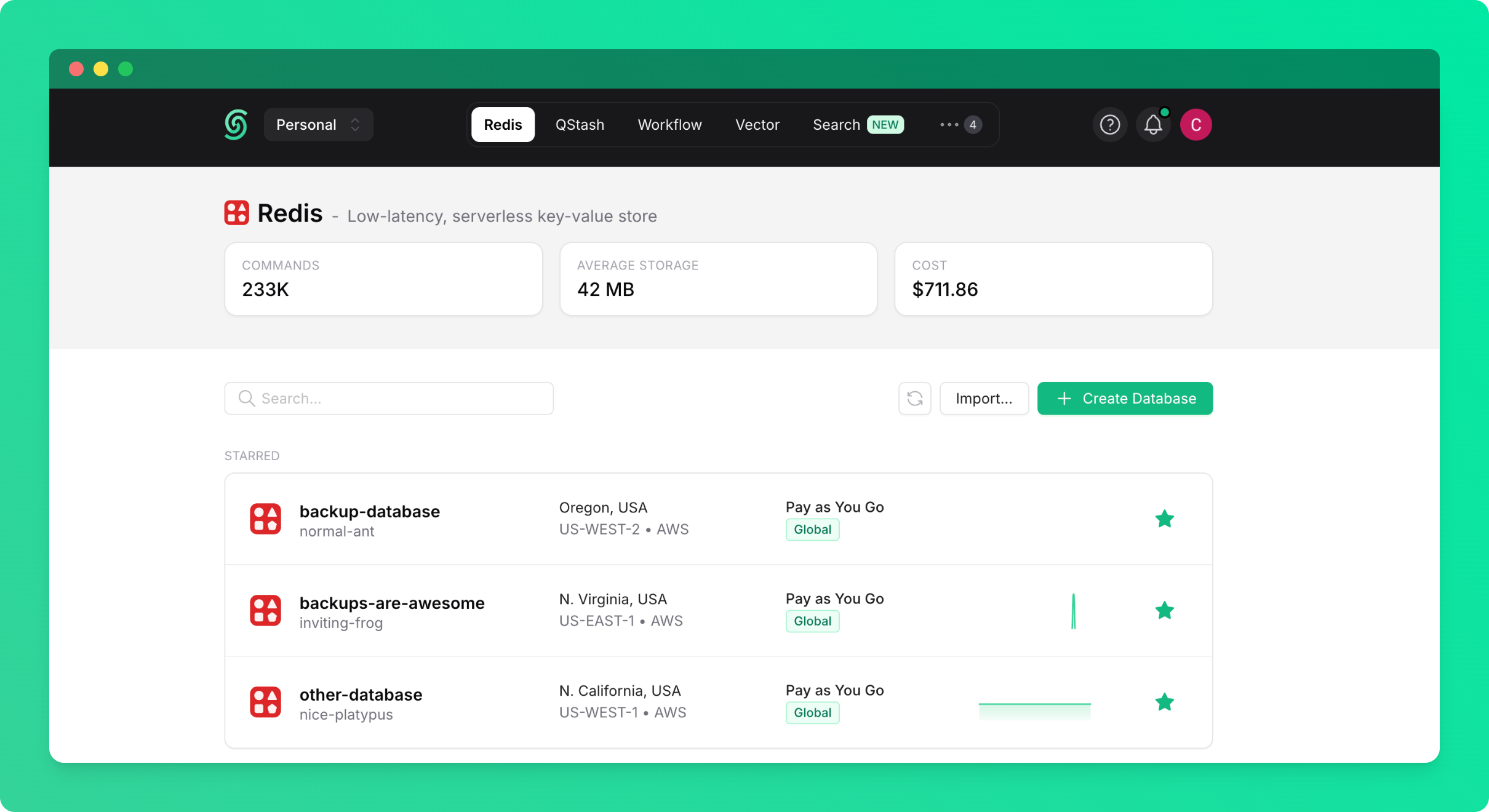
To begin importing data:- Go to the Redis database list page in the Upstash console
- Click on the
Import...button
Option 1: Import from Backup
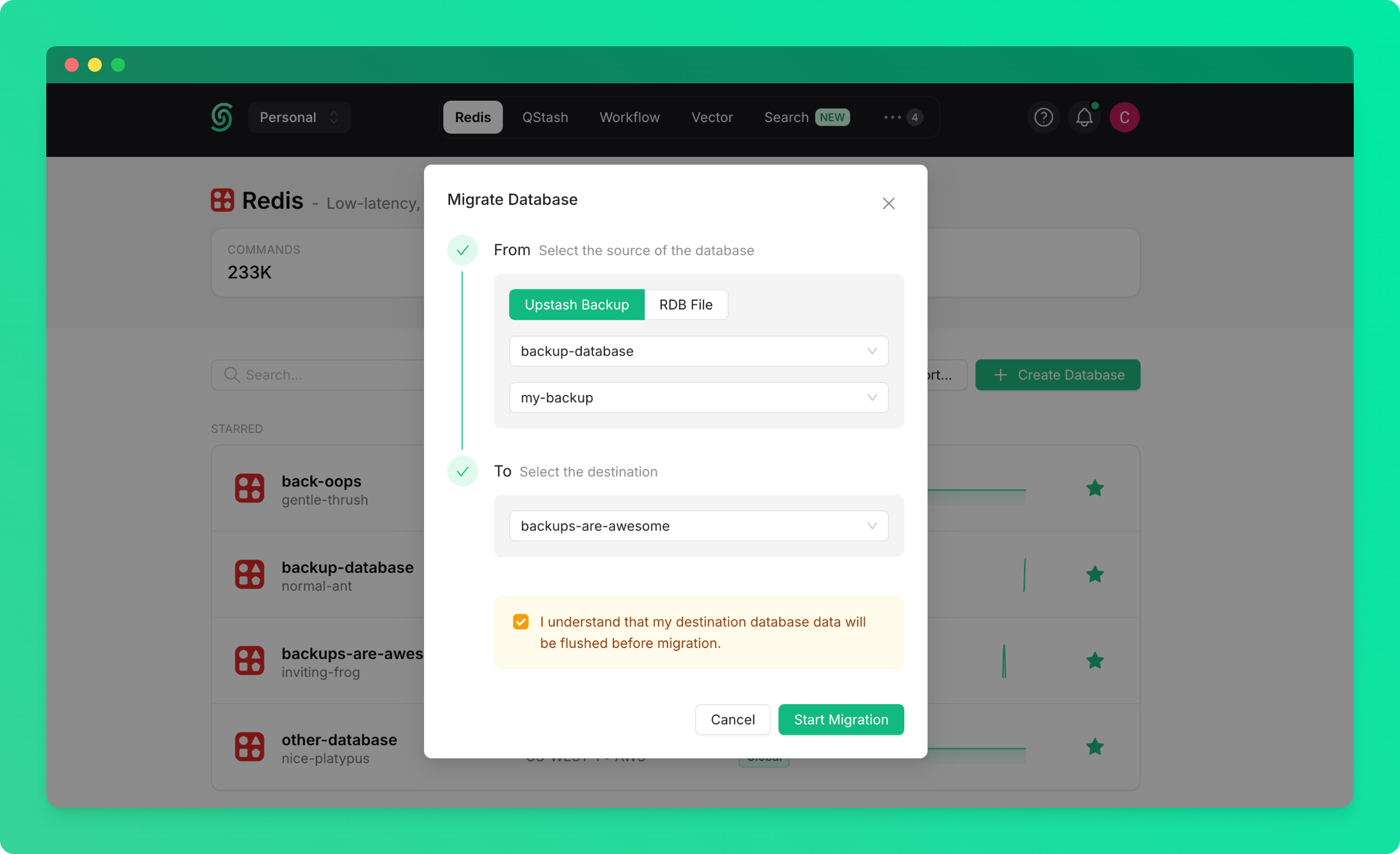
Import data from a backup of any existing database in your account or team:- Select
From Backupas the source - Choose the source database (the database from which the backup was created)
- Select the backup you want to import from
- Select the target database (the database you want to import into)
- Click
Start Import
Option 2: Import from RDB File
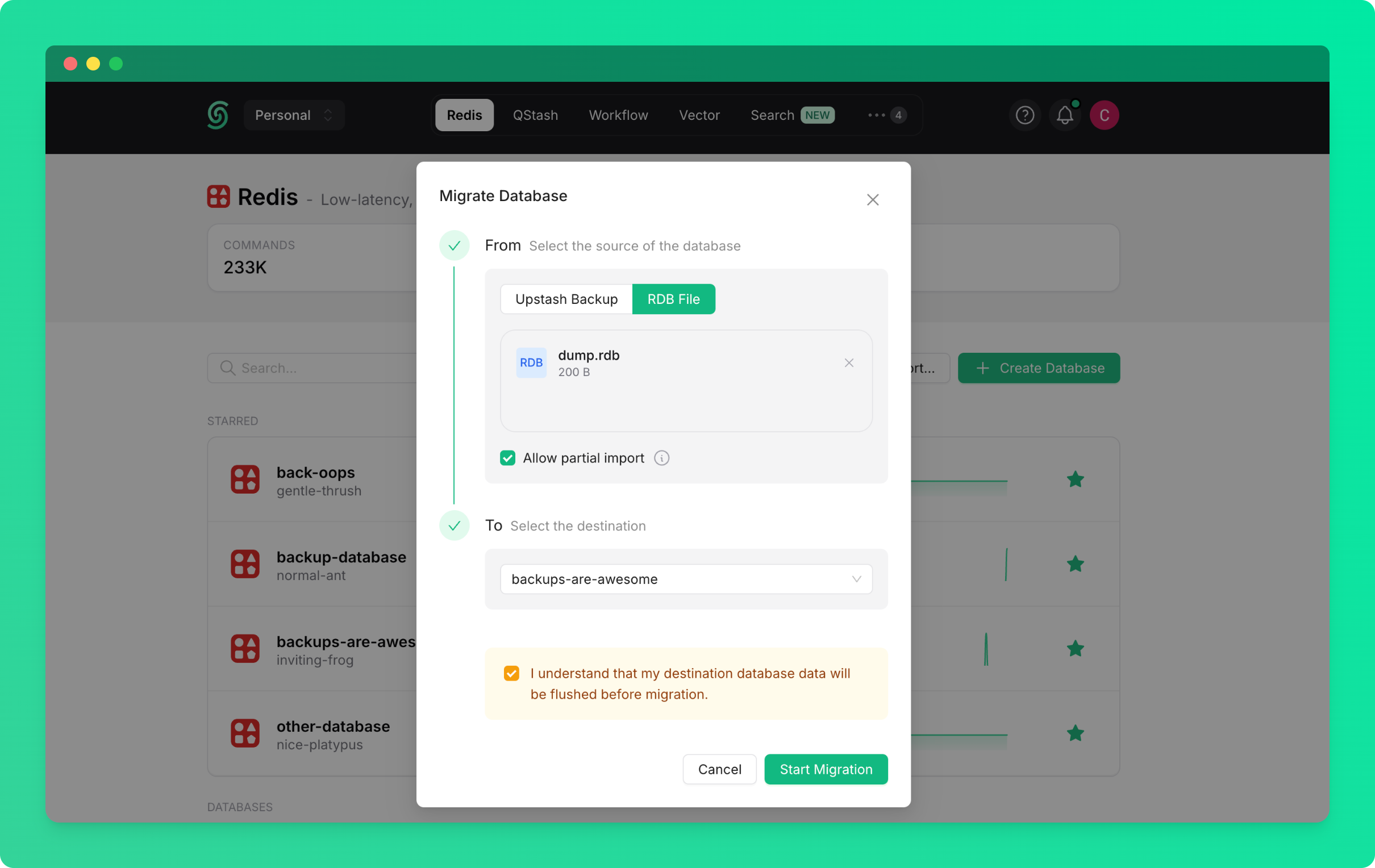
Import data from an external Redis database by uploading an RDB file:- Select
From RDB Fileas the source - Click
Upload RDB Fileand select your RDB file - Select the target database (the database you want to import into)
- Click
Start Import
If you’re importing from an external Redis database (from another provider or on-premise), you’ll need to export it as an RDB file first.
Exporting Data
You’ll be able to export your Upstash Redis database as an RDB file for backup or migration purposes.Request an Export
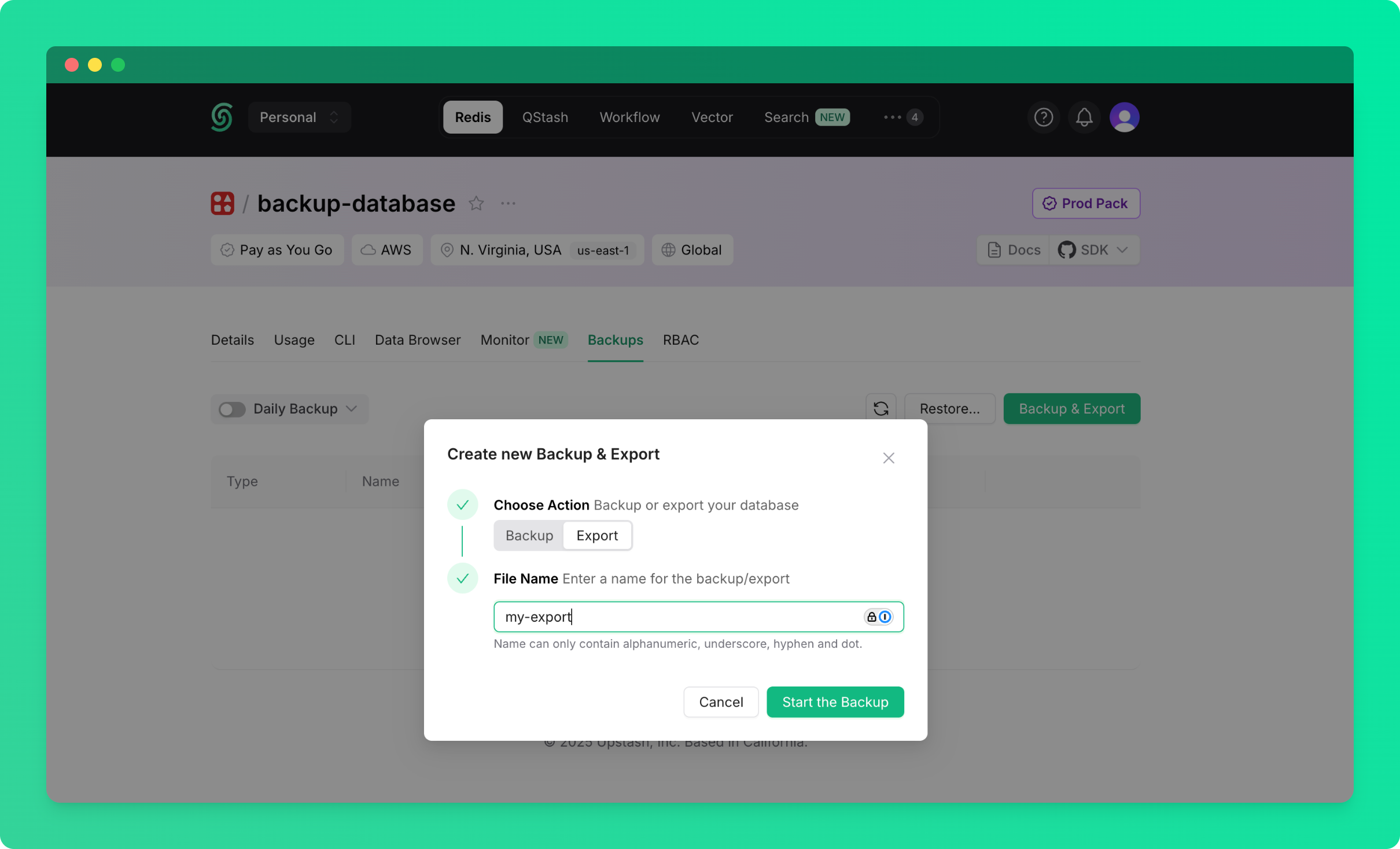
To export your database:- Go to the database details page and navigate to the
Backupstab - Click on the
Backup & Exportbutton - Choose
Export
Download Your Export
Once the export completes, you’ll see aDownload button in the backups table:
- Find your export in the backups table
- Click the
Downloadbutton to download the RDB file
Not all Redis data structures are included in RDB exports. Notably, Redis Functions data will not be available in the export.